Latest Projects

Camia
A serious camera for your Android. Camia is a camera app for people who like to be in control. It merges bursts of frames into clean Night and…

Camia: Night & HDR
Bright, clean photos after dark. A single photo in low light is either dark or grainy. Camia takes a quick burst instead, lines the frames up piece by…

Camia: Manual controls
Every setting at your fingertip. Camia’s settings strip sits right under the viewfinder: Flash, WB, Focus, ISO, Shutter and EV. Tap one and a slider opens; drag it…

Camia: Video & panorama
Motion, sweeps and time. Camia records video in the best quality your camera offers, from HD up to 4K and beyond where your phone supports it, with stabilisation…
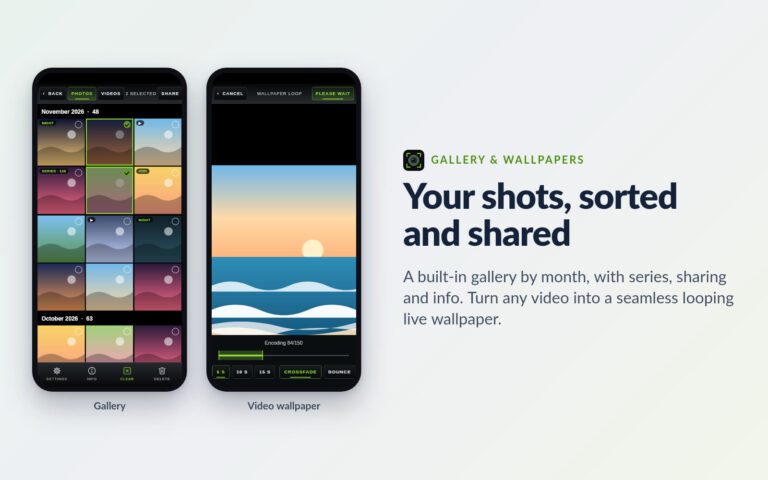
Camia: Gallery & wallpapers
Your shots, sorted and shared. Camia has its own gallery, one tap from the shutter. Photos and videos sit in separate tabs, grouped by month, newest first. The…
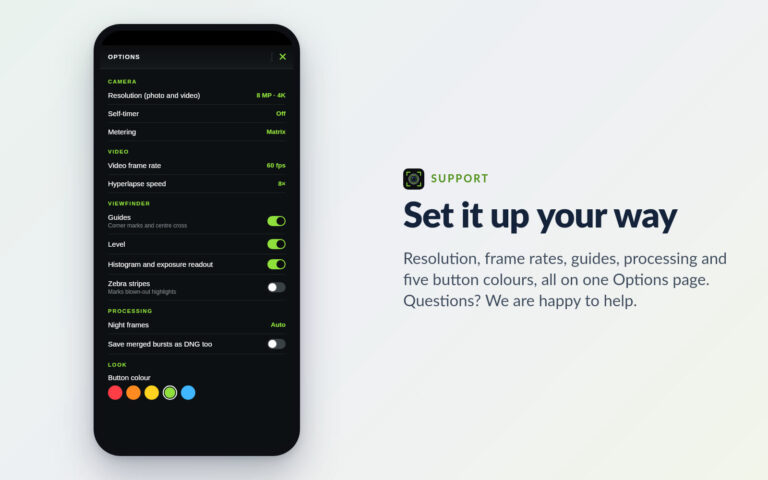
Camia Support
Need help with Camia? Write to us through the contact form and include your phone model and Android version. Getting started Allow the camera when Camia asks Allow…
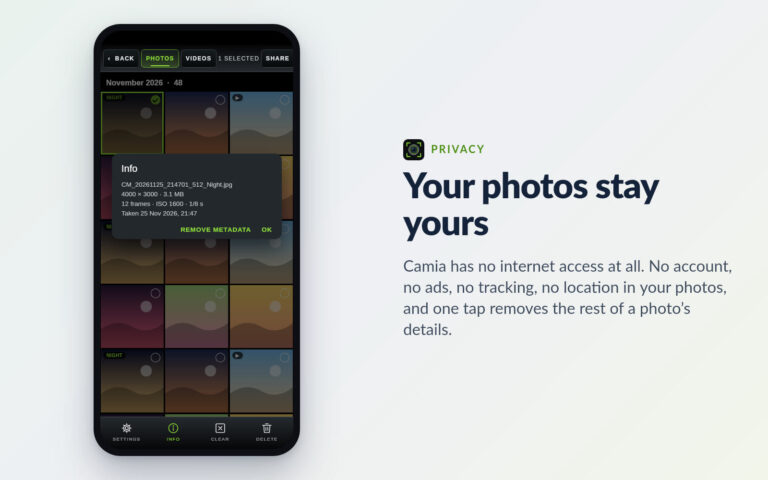
Camia Privacy Policy
Effective 25 November 2026 Camia is built to keep your photos private. It has no internet access at all, no account, no ads, no analytics and no tracking,…
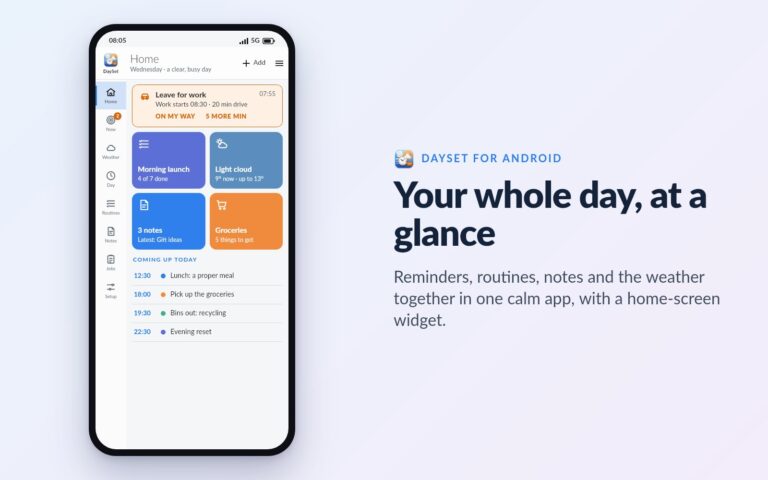
DaySet
Your whole day, at a glance. DaySet brings your reminders, routines, notes and the weather together in one calm Android app. Open it and you see what needs…
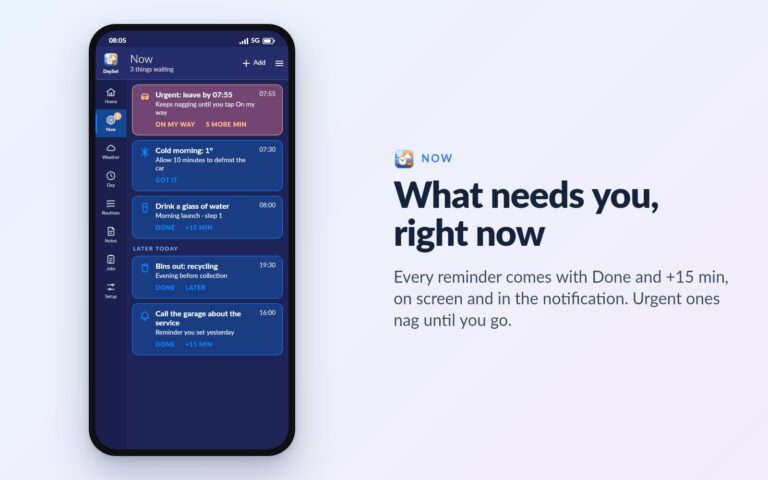
DaySet: Now
What needs you, right now. Now is DaySet’s to-do list for this very moment. Everything that is due sits at the top, and everything later today waits underneath,…

DaySet: Routines
Routines that carry you through. Good days are built from small steps. DaySet turns your routines into checklists you tick through one step at a time, with a…

DaySet: Weather
Weather that warns you in time. DaySet shows the weather for your town and, more usefully, tells you when it matters: before a cold morning, before ice, snow…

DaySet: Jobs
Log your work, share a tidy PDF. Jobs is a simple work log for each day. Tap Log now to stamp the time, type what happened, and at…
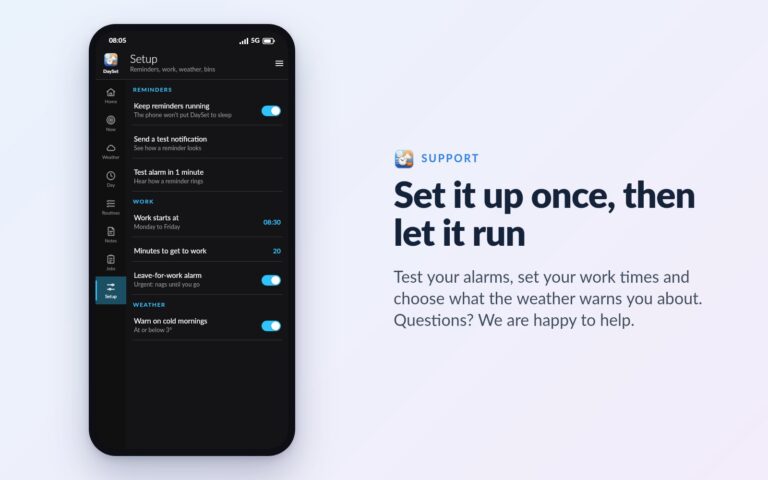
DaySet Support
Need help with DaySet? Write to us through the contact form and include your phone model and Android version. Getting started Allow notifications when DaySet asks, so reminders…
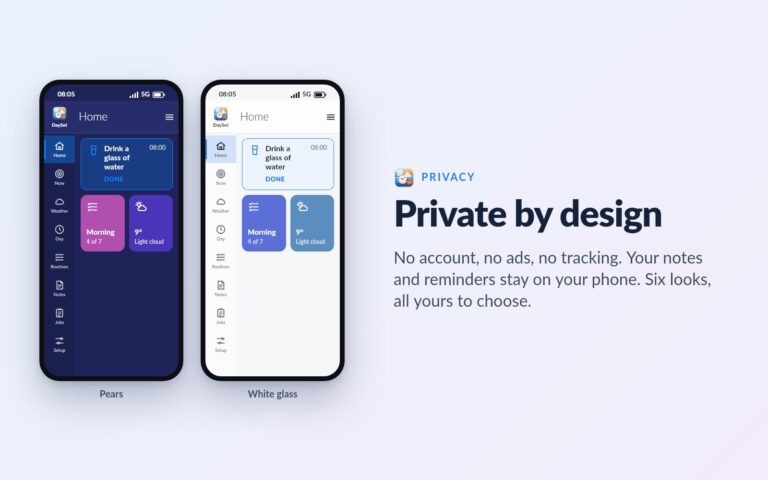
DaySet Privacy Policy
Effective 25 November 2026 DaySet is built to keep your day private. It has no account, no ads, no analytics and no tracking, and it does not sell…
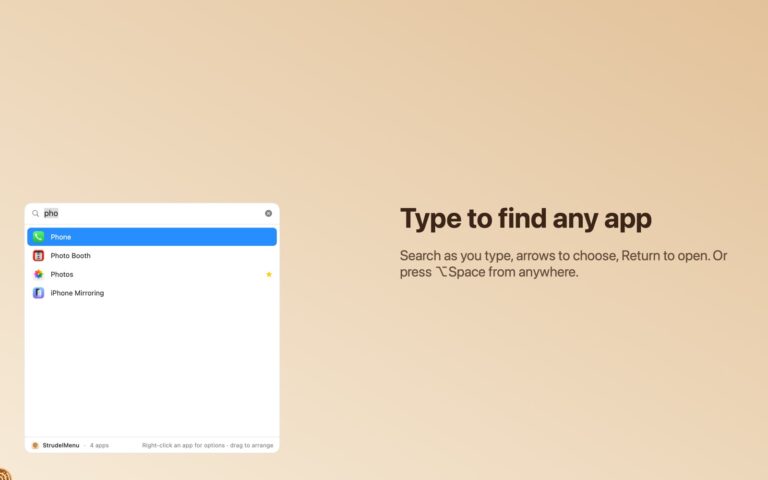
StrudelMenu Support
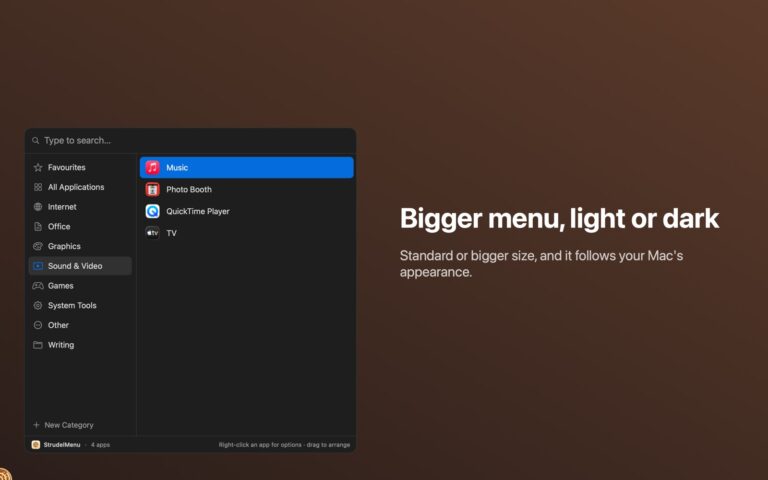
Need help with StrudelMenu? Write to us through the contact form and include your macOS version. Getting started Open the menu: click the icon in the bottom-left corner,…
StrudelMenu Privacy Policy
Last updated: 25 November 2026 StrudelMenu does not collect, store, share or sell any personal data. What stays on your Mac Your settings — favourite apps, hidden apps,…
StrudelMenu
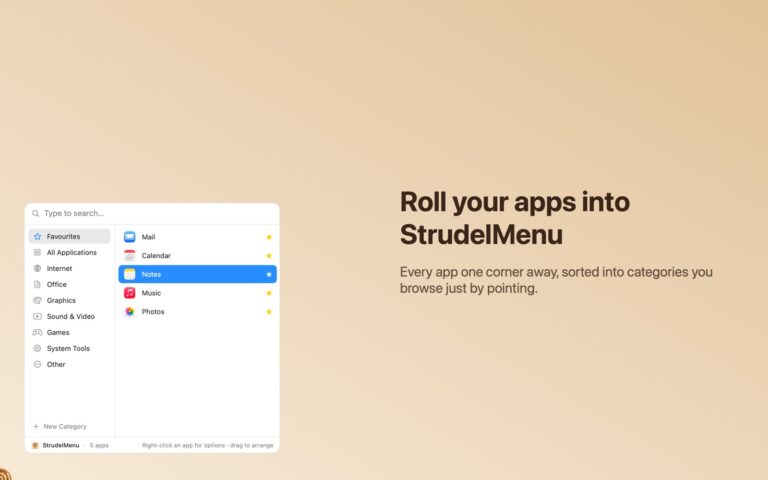
Roll your apps into StrudelMenu. A compact applications menu for your Mac that lives in a corner of the screen. Point at the corner, click its little icon…